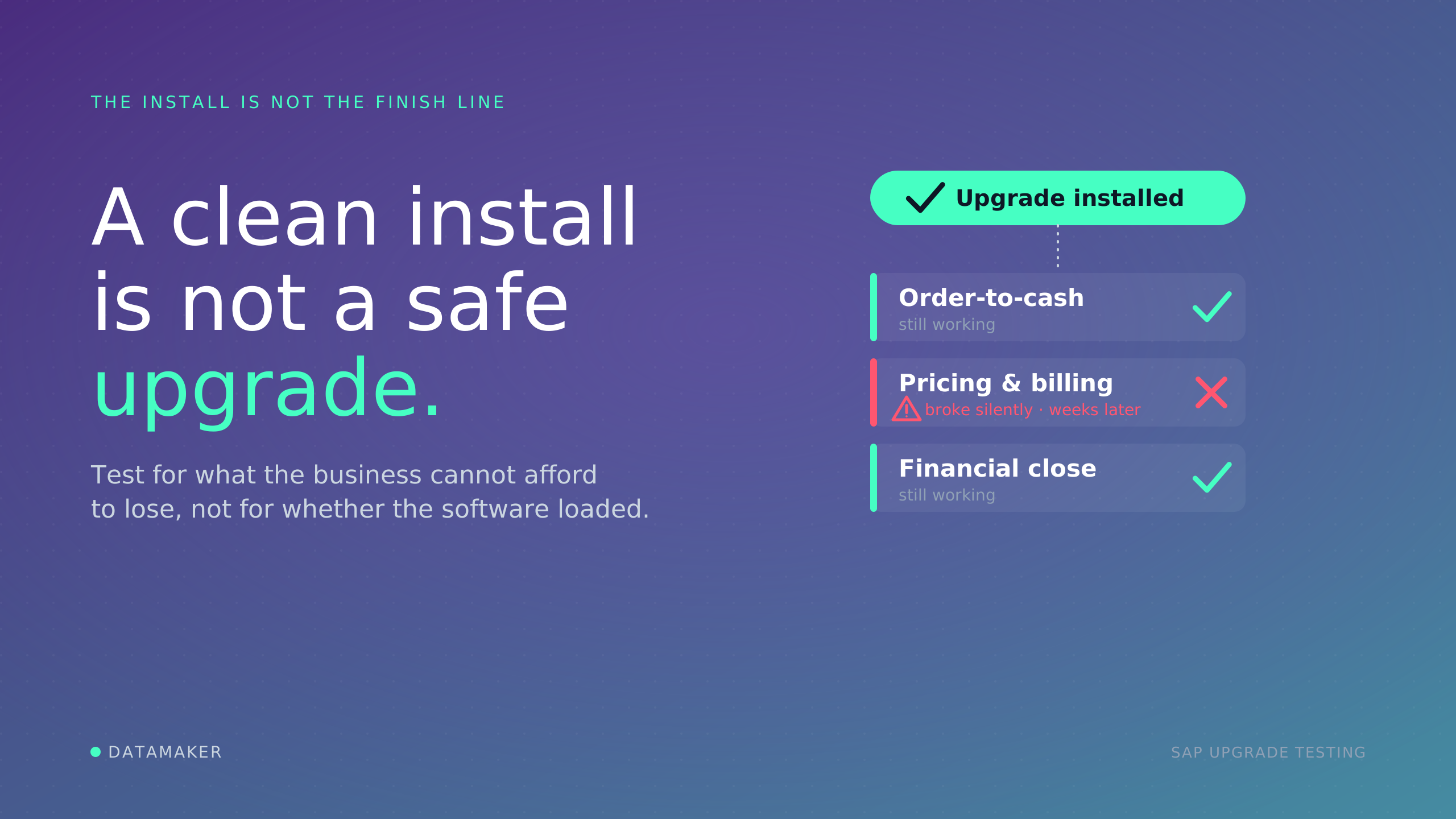
In the world of SAP, keeping your test environments realistic is essential for confident testing, smooth releases, and avoiding nasty surprises in live operations.
If you're new to the topic and just searched for "SAP Test Data Refresh," this post is for you.
We'll start with the basics, what it actually means, then look at how often it typically happens, common approaches teams use, and the everyday frustrations that drive people to search for solutions.
We'll zoom in on the three most widespread challenges and share practical ways to address them. Along the way, we'll touch on a growing option: combining synthetic data with masked production copies.
What Exactly Is SAP Test Data Refresh?
At its core, SAP Test Data Refresh means updating the business data in your non-production systems (like test or quality environments) with fresh copies from your live production system.
Production is where real business happens every day, real customer orders, invoices, inventory movements, vendor payments, and so on. Over weeks or months, this data grows and changes in ways that old test data simply can't match.
Refreshing copies over the current master data (customers, materials, vendors) and transactional data (sales orders, deliveries, financial postings) into the test system so your testers work with scenarios that feel close to reality.
Important clarification: This isn't a full system copy. Configurations, custom code, user roles, authorizations, and technical settings usually stay untouched.
Only the application/business data layer gets replaced (after the old data in the target system is cleared out). In many cases, especially cloud setups, a built-in depersonalization step scrambles sensitive personal details to help meet privacy rules.
The end goal?
Make sure testing, whether regression, integration, user acceptance, or new feature validation, reflects current business conditions instead of outdated snapshots. Without it, environments drift, leading to flaky tests, false positives, and automation failures that waste time and erode trust in QA.
Why Refresh Periodically? How Often Should It Happen?
Business data doesn't stand still. New customers sign up, prices change, supply chains shift, and seasonal patterns emerge. After a few months, test data becomes "stale", no longer representative of what happens in production.
Tests then miss real edge cases, produce misleading results, or fail to catch issues that would break live processes, like mismatched pricing conditions or blocked vendors, causing unexpected errors.
There's no one-size-fits-all schedule, but patterns emerge from how companies operate. If you run automation or CI/CD pipelines and still refresh only yearly, you're already in trouble; data ages too fast for modern, continuous testing demands.
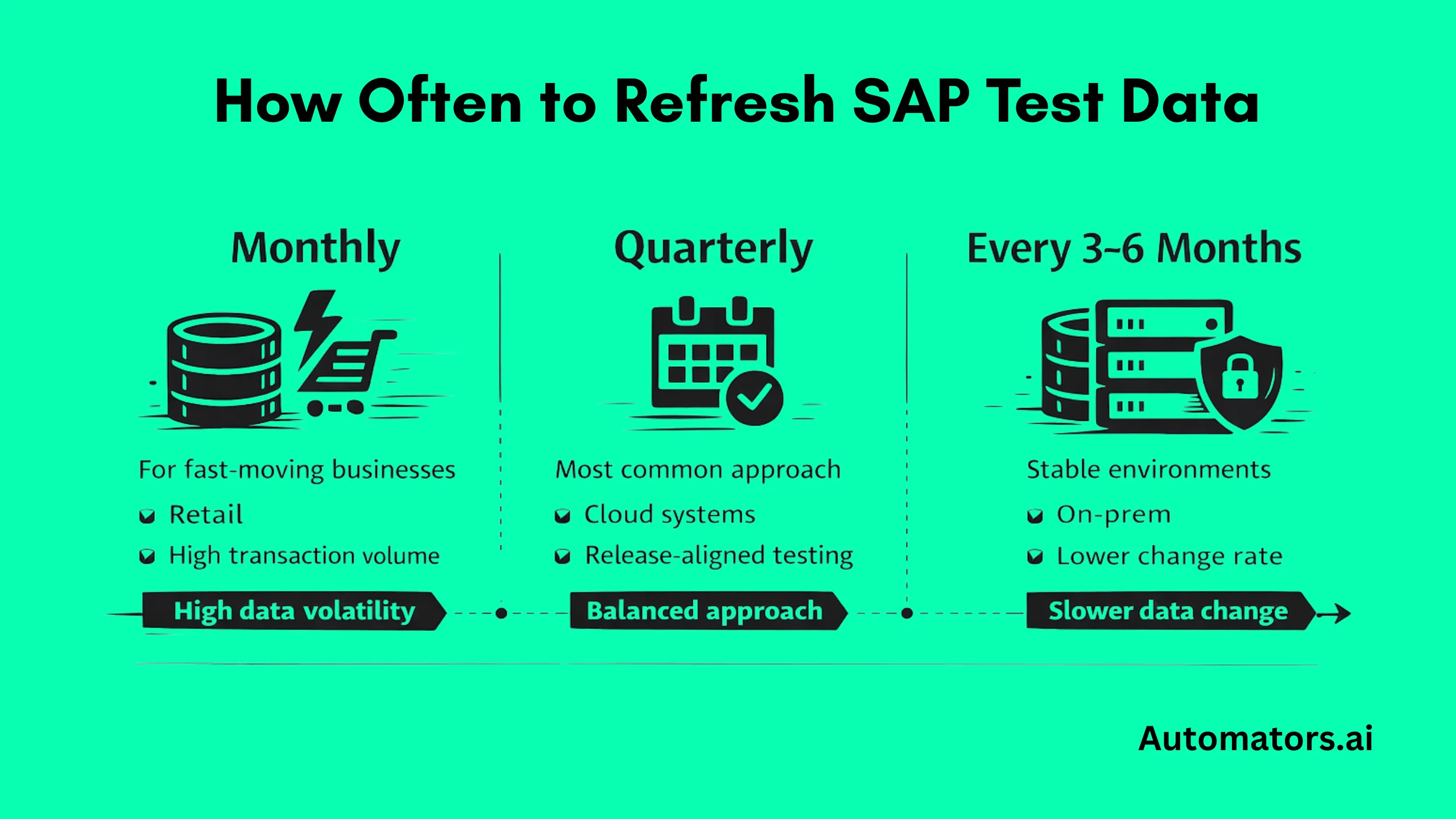
- Quarterly: The most typical rhythm, especially in SAP S/4HANA Cloud Public Edition, where SAP publishes a public calendar showing available delivery windows for the service (often aligned with release cycles).
- Every 3–6 months: Common in on-premise or private cloud setups, or in stable businesses with moderate transaction volume.
- Monthly or more frequent: Needed in fast-moving sectors like retail or utilities, where data ages very quickly.
To decide your interval, ask: How much new or changed data accumulates in production between major testing phases?
If testers complain about "this doesn't happen in real life anymore," or defects slip into production, your cycle is probably too long.
Many teams find that anything beyond 3–6 months starts hurting testing quality noticeably, leading to delayed releases and higher automation maintenance costs.
Common Ways Teams Perform Test Data Refresh
Over the years, approaches have evolved from heavy manual processes to more streamlined services, but many still cling to outdated methods that amplify frustration:
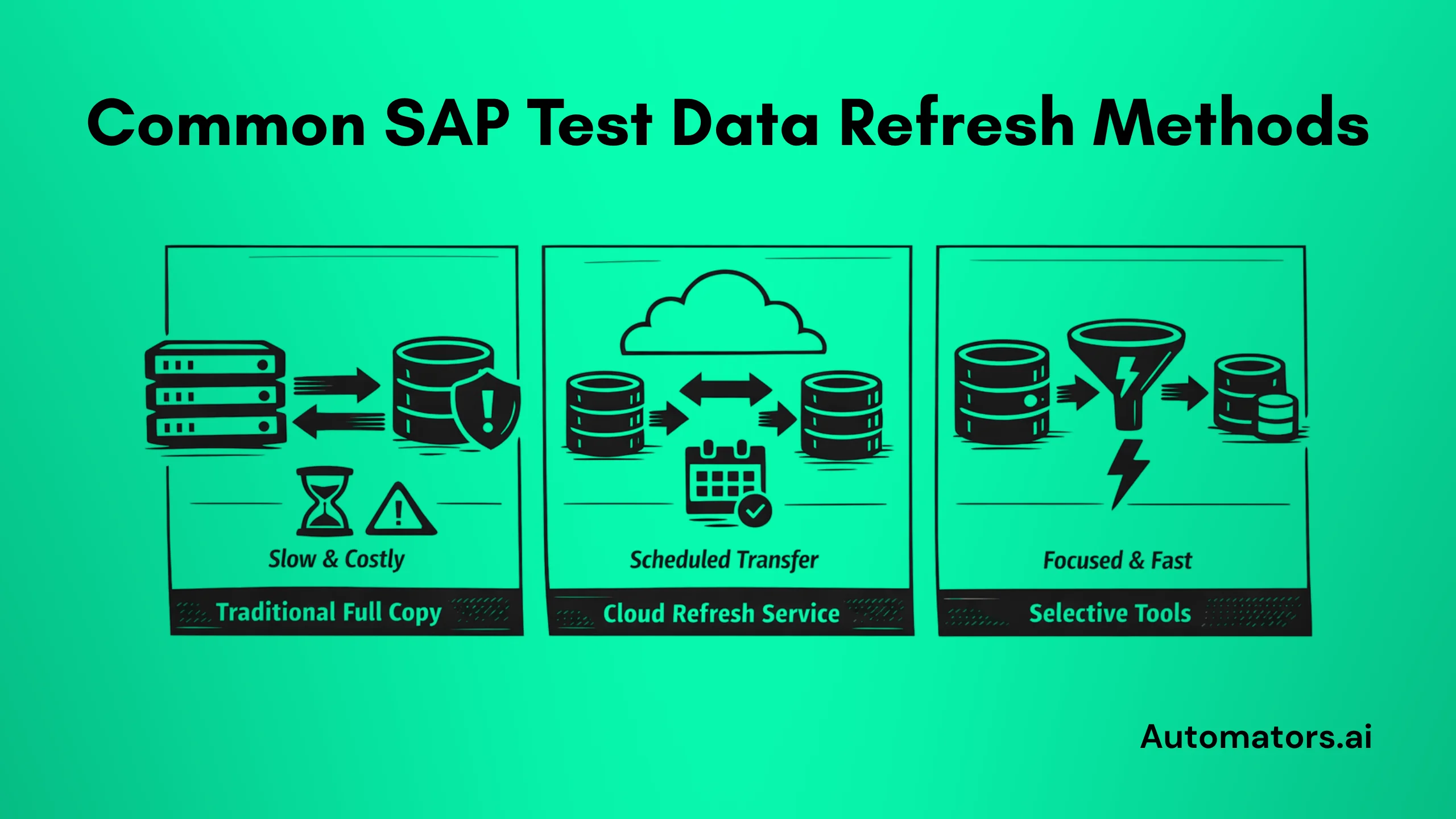
- Full system or client copies: The classic method: duplicate the entire production client (including data) to non-prod. Reliable but resource-heavy, often breaking integrations like IDocs, RFCs, or queues.
- Built-in cloud service: In SAP S/4HANA Cloud Public Edition, a subscription-based Test Data Refresh service handles the transfer from production to test tenant, often with a depersonalization option included.
- Selective tools: SAP's older Test Data Migration Server (TDMS) allowed pulling subsets (e.g., by time period or business object). Modern third-party solutions focus on automation, time-slicing (last 6 months only), or object-based copies to shrink volume and speed.
Full copies dominated for a long time (15+ years in many landscapes), but privacy regulations and cloud shifts have pushed selective, faster methods into the spotlight.
Yet, even these can fail if not planned well, leaving teams with weeks of rework as authorizations collapse or document chains (like sales order to delivery to invoice) need rebuilding.
The Everyday Challenges Teams Face while Refreshing
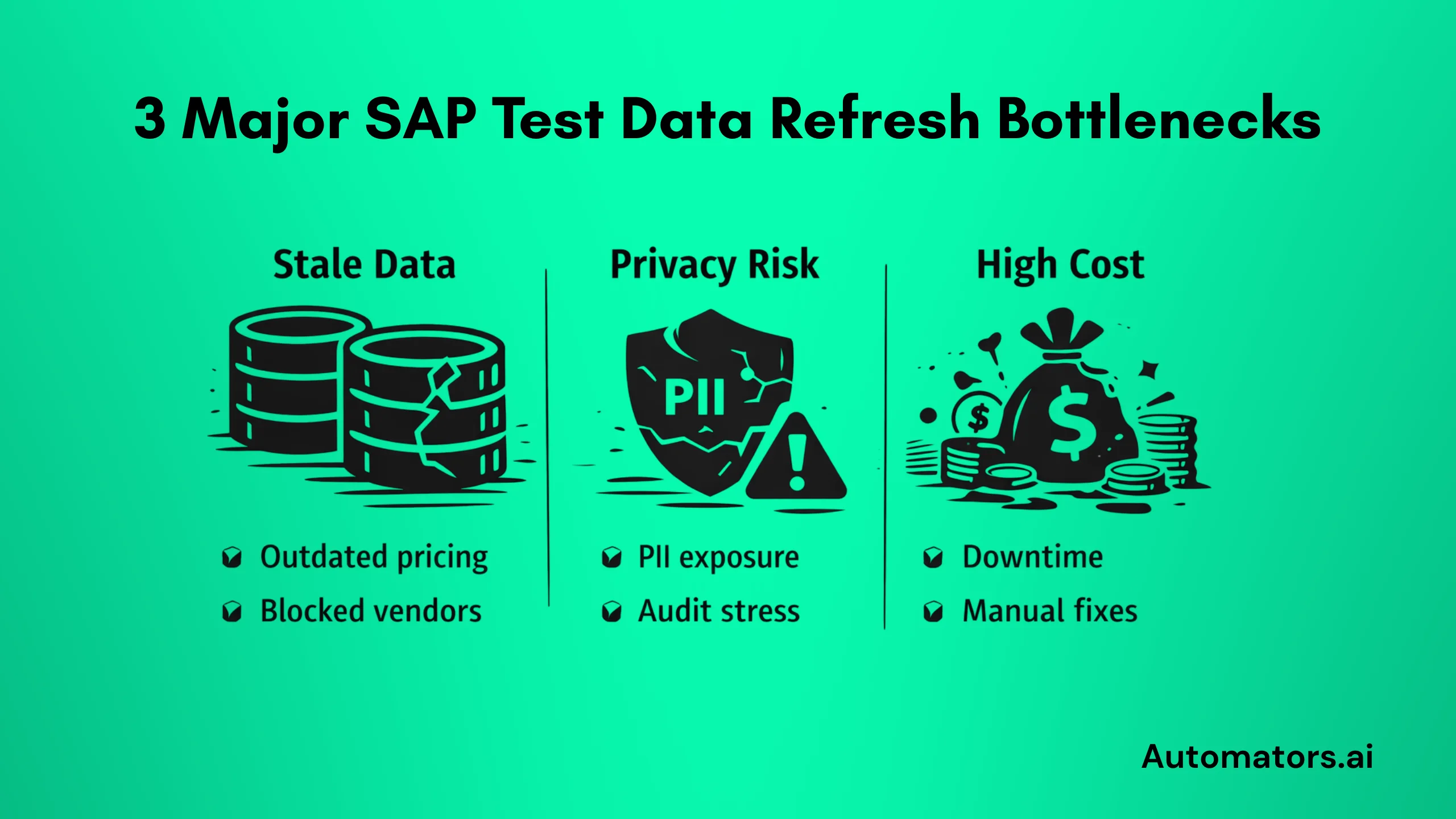
Even with these methods available, refresh remains a pain point. Long wait times, large storage footprints, manual post-refresh fixes, and compliance worries are common complaints.
After working with SAP teams across different landscapes, the same three problems come up again and again, disrupting testing, breaking trust, and slowing everything down.
Pain 1: Stale Data That Undermines Reliable Testing
The problem:
Production keeps generating new records and evolving relationships, but test systems lag behind. After a few months, testers work with outdated scenarios: missing recent pricing conditions, expired validity dates, blocked customers/vendors, or incomplete fiscal periods.
This leads to false confidence (tests pass but would fail live), overlooked bugs, and wasted hours chasing irrelevant problems, like flaky automation tests failing for data reasons unrelated to code.
Practical fixes:
Shorten the cycle where possible, aim for quarterly at minimum, and monthly if your business is dynamic. Use selective refreshes (time-based or object-focused) to bring in only recent data without full overload.
Automation tools that schedule and trigger refreshes help make it routine rather than a major event. For deeper stability, maintain reusable baselines with predictable master data and document flows that don't age out.
This is where continuous provisioning models start to outperform periodic refreshes. We break this shift down in detail in the SAP Test Data Provisioning guide.
Pain 2: Privacy and Compliance Risks When Copying Real Data
The problem:
Production contains personal and sensitive information (names, addresses, payment details, health data in some cases). Copying it unmasked into test systems risks breaches, violates regulations like GDPR or local privacy laws, and can trigger audits or fines, especially when teams are distributed or offshore.
Even masking can break referential integrity, making customer/vendor relationships unusable or open items vanish.
Practical fixes:
Activate depersonalization features (built into many cloud services) that scramble identifiable fields while keeping data usable for business logic.
For deeper control, layer on advanced masking or scrambling in tools designed for SAP. Build privacy checks into your refresh process from the start so compliance becomes automatic rather than an afterthought, reducing the political chaos of audits and rebuilding trust with business users.
Pain 3: High Costs and Inefficiencies in Traditional Refresh Cycles
The problem:
Full copies demand huge storage, cause extended downtime (hours to days), tie up Basis/DBA resources, and slow down agile testing.
Teams block calendars, automation breaks, smoke tests fail randomly, and people start saying, "Let's wait a week before testing." Refreshing frequently becomes expensive and disruptive, so teams delay it, worsening the staleness issue and leading to 2–4 weeks of lost productivity per cycle, with releases slipping as a result.
Practical fixes:
Shift to selective approaches that copy only what's needed (e.g., recent transactions, pricing sets, or specific modules), drastically cutting size and time.
Automation reduces manual effort and enables on-demand refreshes. In cloud environments, leverage included services to avoid extra infrastructure scaling. Schedule windows away from major transport waves or go-lives to minimize chaos.
Synthetic vs. Masked Production Data: Why One Isn't Always Enough
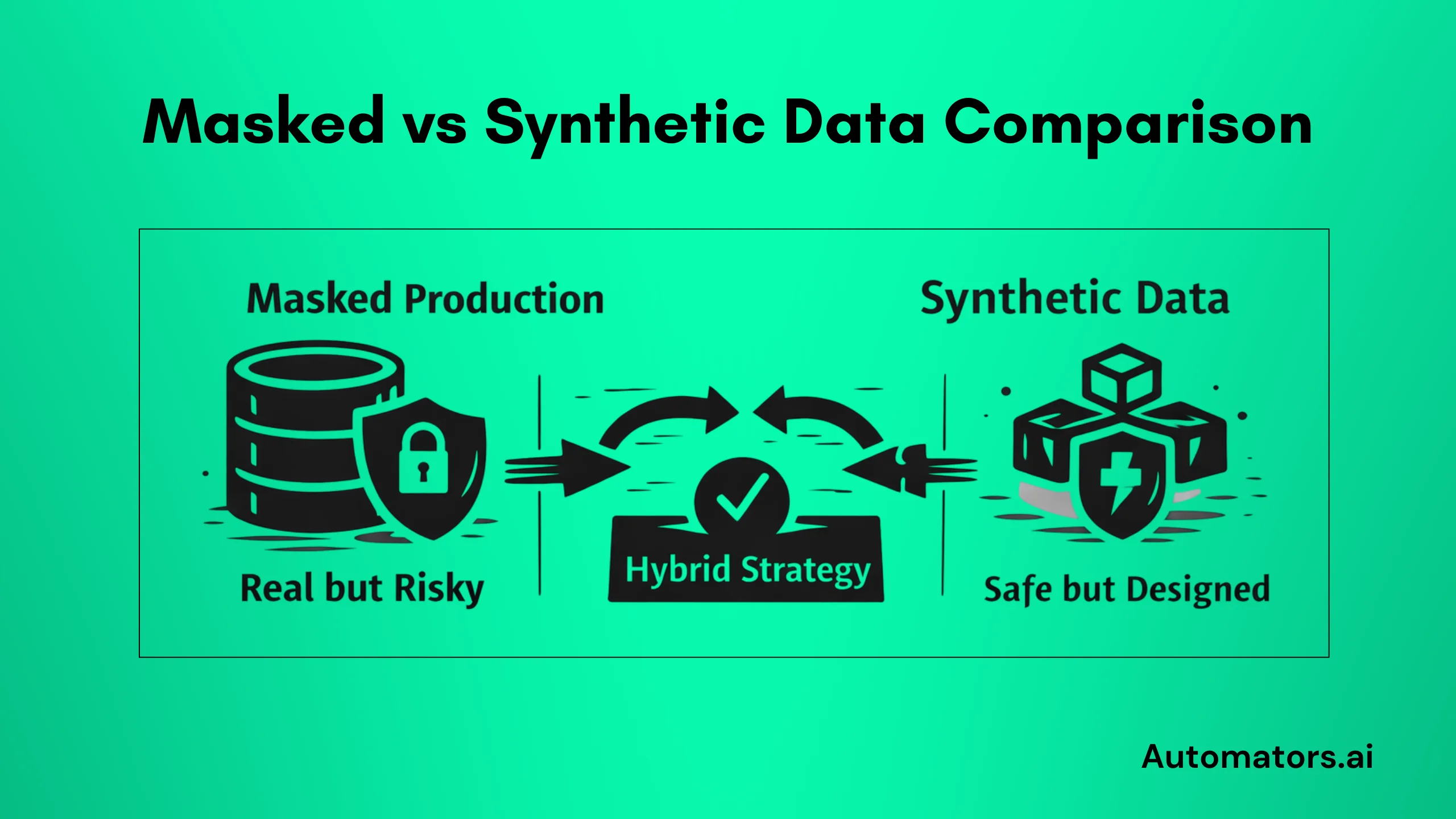
A growing way to tackle these pains (especially staleness, privacy, and cost) involves blending two strategies:
a. Masked production data:
Take real production extracts, apply strong masking/scrambling to sensitive parts, then refresh. This keeps genuine relationships, volumes, and quirks that reflect actual business behavior, ideal for realistic regression, integration, and UAT, including complex flows like IDocs or fiscal year closings.
b. Synthetic data:
Generate artificial records algorithmically to match patterns and rules without any real sensitive content. It's fast to create on demand, perfect for massive volumes, edge/negative scenarios, or early prototyping where realism matters less.
Neither is perfect alone. Masked production excels at fidelity but still carries compliance overhead and can inherit production flaws, like inconsistent stock or mismatched open items.
Synthetic data is privacy-safe and flexible but often lacks the subtle, organic variations and depth needed for complex SAP flows (pricing logic, cross-module dependencies, historical states).
The winning combination in many landscapes: Use masked production as the realistic backbone for core testing, then layer synthetic data for gaps, stress tests, invalid inputs, or quick iterations.
This hybrid reduces refresh frequency needs, strengthens compliance, and keeps costs in check while boosting test coverage, decoupling automation from volatile production copies.
If you're deciding between legacy subsetting tools and synthetic generation, we compare both in detail in SAP TDMS vs. Alternatives: How to Choose in 2026?
Wrapping Up: Make Refresh a Strength, Not a Headache
SAP Test Data Refresh exists to keep your non-production environments grounded in reality so testing delivers real confidence.
Ignoring the big pains, stale data, privacy exposure, and refresh overhead quietly erodes quality, delays projects, and raises live risks. If refresh controls your testing schedule, your strategy is upside down; refresh should support testing, not disrupt it.
Start by checking your current cycle: Is it frequent enough to stay current? Are you using selective methods? Do privacy safeguards feel solid?
Small shifts toward automation, selective copies, on-demand generation, and hybrid synthetic/masked approaches can turn refresh from a chore into a reliable enabler of faster, safer innovation.
If any of these three pains sound familiar, you're not alone, and better options exist. Assess your setup, experiment with one fix at a time, and watch testing reliability improve. Your next release (and your production system) will thank you.