SAP Test data provisioning is the ability to provision the right test data to the right environment at the right time. Conceptually, it sounds simple. Yet most SAP teams still treat test data provisioning as an operational afterthought instead of a strategic pillar.
They still wait for system copies, manually create missing scenarios, recycle old orders, and patch broken document flows. And all these become a silent bottleneck that slows every project, from S/4HANA migrations to quarterly releases to CI/CD pipelines.
The worst part is that teams often blame the test case or automation logic, whereas they need to first check their broader SAP test data management strategy.
In this article, we will explore the ins and outs of test data provisioning in SAP, its importance, common pitfalls, and best practices so that you can understand these concepts better and focus more on testing.
What Test Data Provisioning Really Means in SAP and Why it Matters
SAP test data provisioning is the full, end-to-end process of preparing and delivering complete, usable, coherent data into a test environment so that testers (manual or automated) can actually run realistic business scenarios without constant manual fixes or failures.
In other words, provisioning means ensuring:
- The correct master data exists for the scenario (materials, vendors, customers, pricing, plants, batches)
- The correct transactional data exists and follows SAP’s strict relationships
- Document chains are intact (for example, PO → GR → IR or SO → Delivery → Billing)
- Data aligns with the configuration of that specific environment
- Testers can use the data without manual fixes
- Test automation can run repeatedly without breaking
If even one of these fails, your testing outcome is immediately affected. Because SAP is built on deeply interconnected objects, everything must be “just right.”
A missing pricing condition, a closed posting period, an expired batch, or a mismatched plant can stop a test instantly. That is why provisioning is about delivering ready-to-use data, not just copying tables.
When provisioning is weak, testing slows down because teams are forced to manually fix data, rebuild broken document flows, wait for posting periods, and depend on Basis teams for frequent refreshes.
Instead of testing, they spend time firefighting data issues and chasing false defects caused by unstable environments.
If provisioning is weak, everything else becomes weak with it.
Now, let’s explore some of the signs of bad test data provisioning symptoms and why they happen, so that you can identify if your team is facing the same issues or not.
Later, we will discuss the best practices to overcome them.
Top 7 Symptoms of Bad Test Data Provisioning (And Why They Happen)
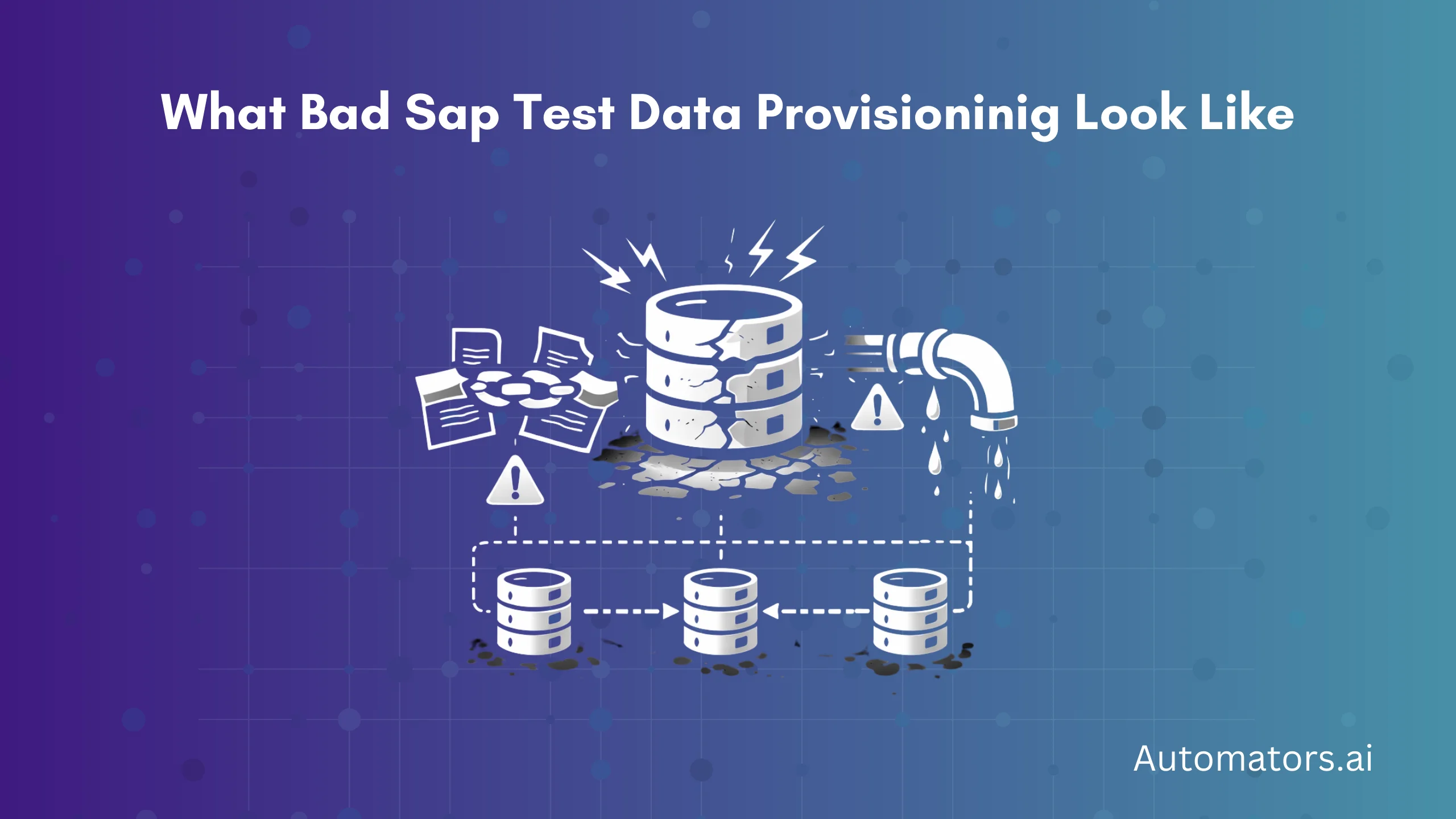
1. Transactions fail because basic data is missing
One of the earliest signs is when simple business transactions fail unexpectedly. A purchase order cannot be created. A sales order stops midway. A goods receipt refuses to post.
This usually happens because critical master data is missing or inconsistent, such as materials, customers, vendors, plants, pricing records, or business partner roles.
In SAP, partial correctness does not work—one missing field is enough to block an entire process. This not only halts individual tests but wastes hours in debugging, as teams chase "bugs" that are really just data gaps, inflating project timelines.
2. End-to-end scenarios break in the middle
Your test starts fine, but suddenly fails halfway through the process.
For example: PR exists, but PO fails due to a missing vendor approval; Delivery works but billing fails from unmatched pricing; Production order exists, but confirmation fails from incomplete routing.
This happens because document chains are broken. SAP relies on strict end-to-end flows, and if one link is missing, outdated, or incorrect, the entire scenario collapses.
The result? Testers lose confidence in process coverage, leading to incomplete regression suites and overlooked defects.
3. Tests pass one day and fail the next
This is one of the most frustrating symptoms. Yesterday’s automation run passed. Today, the exact same test fails.
Why? Because data ages. Stock depletes. Batches expire. Posting periods close. Orders get fully processed. Your test data silently changes over time, even if your scripts stay the same.
This "flakiness" erodes trust in automation suites, leading to manual overrides, delayed releases, and higher maintenance costs.
4. The same test behaves differently across environments
A test passes in QA. Fails in SIT. Breaks completely in UAT. This usually happens because SAP environments are never perfectly aligned. Configuration differs. Custom fields exist in one system but not another. Posting periods are open in one environment but closed in another.
Provisioning assumes consistency. Reality does not. What follows is finger-pointing between teams and false positives, complicating defect triage and slowing go-live decisions.
5. Teams rely only on production copies
Full system copies feel like a safe solution. But over time, they create new problems. Refresh cycles are slow. Infrastructure cost increases. Data becomes outdated quickly.
Masking becomes mandatory and risky. Automation cannot reset consumed data.
Production copies have their place, but they should not be the only provisioning strategy. Many mature programs are already exploring how to replace SAP system copies with repeatable test data to avoid bloated landscapes and compliance headaches.
6. Masking breaks business logic
Security teams demand masking. Testing teams suffer the consequences.
If masking is not dependency-aware:
- Key relationships break
- Required fields change
- Business logic gets distorted
Instead of protecting data, masking ends up breaking test scenarios.
7. No way to reset or reuse test data
This is the most damaging symptom for automation. Orders get completed. Deliveries are closed. Batches are consumed. Postings are finalized. Without reset logic, your automation data dies after one run.
And without reusable data, CI/CD becomes impossible. Teams end up rebuilding data manually for each cycle, turning what should be efficient pipelines into tedious bottlenecks that hinder continuous delivery.
These symptoms are not random. They happen because SAP data is deeply dependent on configuration, timing, volume, and strict process rules.
Now that you can identify the signs, let’s move to the best practices that actually solve these problems.
Best Practices for Reliable SAP Test Data Provisioning
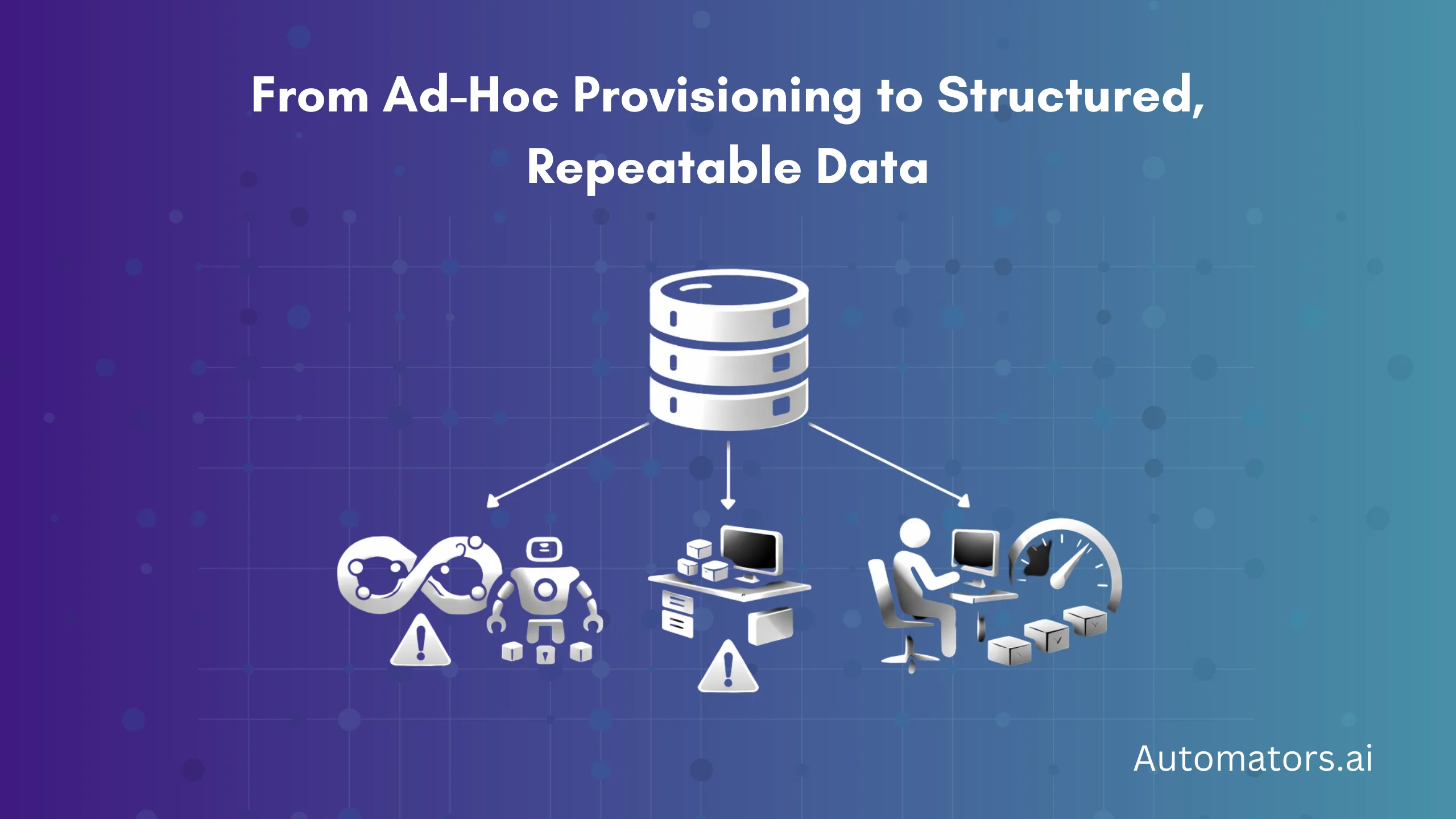
Provisioning becomes effective only when it follows structured principles.
1: Choose the right provisioning method for the right testing need
| Testing Type | Best Provisioning Method | Example Tool |
| CI/CD | Synthetic data + reset logic | DataMaker |
| Automation | Synthetic + small masked subsets | DataMaker + Tricentis Tosca |
| Functional | Subset + masked production slices | SAP TDMS |
| UAT | Larger masked subsets or near-full copies | EPI-USE DSM |
| Performance | Full copies or scaled data | Delphix |
There is no “one-size fits all.” Provisioning is strategic.
2: Build repeatable test data templates
Every team should maintain templates for common scenarios:
- Sales orders (with pricing, delivery, billing)
- Purchase orders (with GR and IR)
- Inventory and batch setups
- Manufacturing orders
- Finance posting scenarios
- Warehouse activities
These templates become the backbone of predictable testing.
3: Automate generation, subsetting, validation, and masking where it makes sense
Automation is not the title of the post, but it is a best practice.
Automation should help with:
- Generating reusable synthetic data
- Refreshing supporting master data
- Masking production data consistently
- Validating data integrity before usage
- Resetting data after use
Provisioning should be predictable regardless of who triggers it.
4: Align environments before provisioning
Test data provisioning requires a stable foundation. Always validate:
- Posting periods
- Master data versioning
- Plants, units of measure, and currencies
- Key configuration
- Business partner roles
- Custom fields or custom logic
Misaligned environments break provisioning immediately.
5: Implement reset logic early
Resetting is what separates fragile test automation from stable automation.
Reset logic can:
- Reopen orders
- Recreate batches
- Replenish stock
- Undo deliveries
- Reset picking or packing statuses
- Recreate pricing conditions
- Reset financial periods (where allowed)
Teams with reset logic rarely struggle with flaky tests.
6: Treat provisioning as part of DevOps, not Basis
Provisioning should not be a “help-desk request” to Basis. It should be a function inside QA, Test Automation, or DevOps, supported by tooling. Provisioning belongs beside version control, CI/CD, and environment management.
How to Avoid SAP Test Data Provisioning Failures
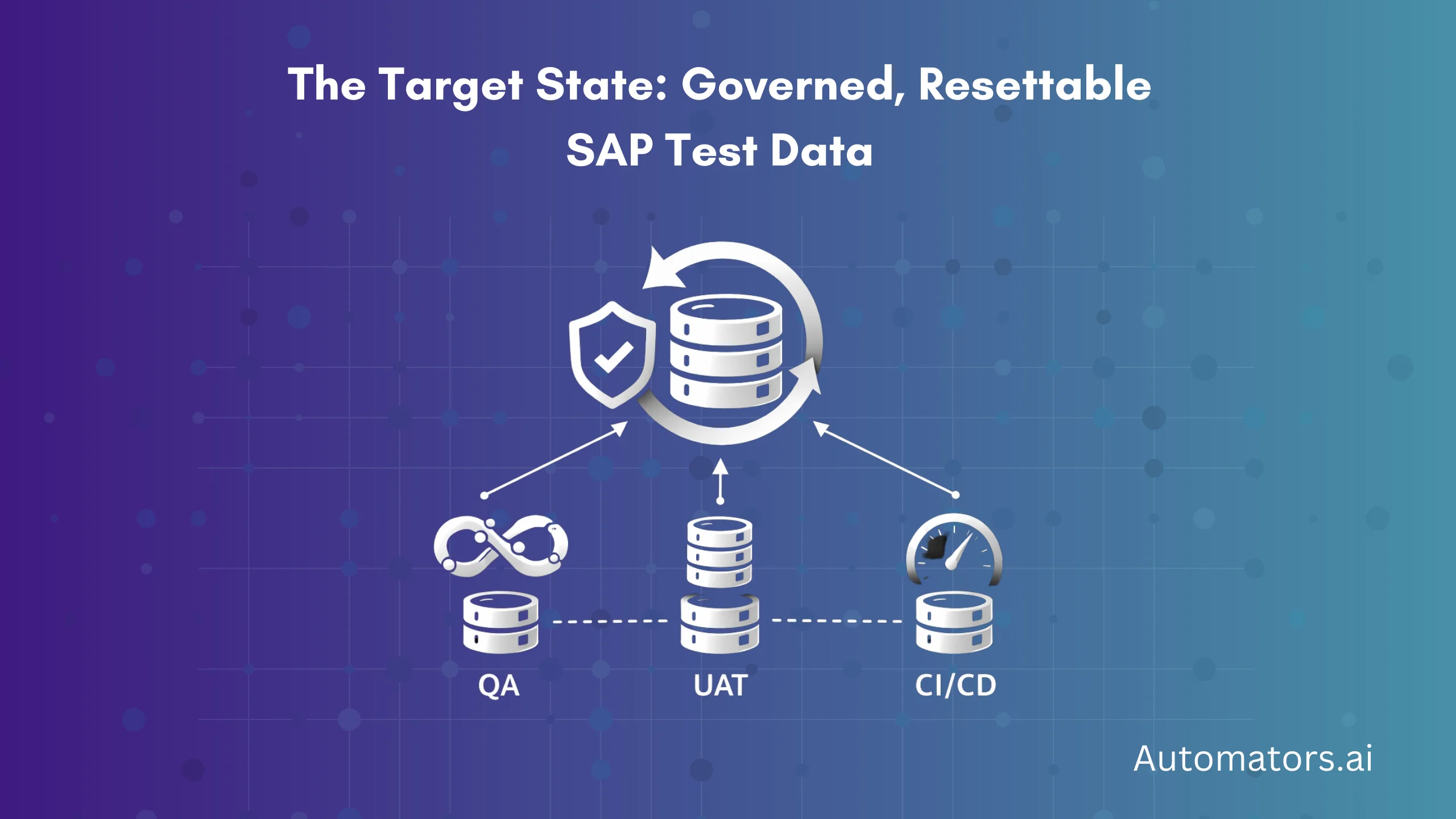
To avoid the common pitfalls:
- Understand that SAP data is interconnected at every layer
- Provision master data and transactional data together
- Validate environment consistency before provisioning
- Avoid relying on a single provisioning method
- Use synthetic data when repeatability is required
- Use masked and subset data when realism is required
- Monitor data consumption and perform resets
- Keep provisioning templates aligned with business changes
The ultimate goal is not “more data” but reliable, repeatable, business-valid data.
Final Thoughts
Test data provisioning is the single biggest lever for improving SAP testing speed, quality, and reliability. When provisioning is slow, everything in testing slows.
When provisioning is unpredictable, everything becomes flaky. And when provisioning is modernized, testing becomes structured, stable, and ready for automation and CI/CD.
Most SAP teams do not fail because their testing tools are bad, but because their data foundation is fragile. Investing in strong provisioning practices eliminates this fragility and removes one of the biggest hidden bottlenecks in SAP delivery.