Most SAP teams still rely on one blunt instrument to prepare their test systems: a full production system copy.
Need fresh data in QA? Copy PRD. Automation failing because orders are missing? Copy PRD. Starting UAT for an S/4HANA program? Copy PRD again.
The approach feels safe because it is familiar and it produces realistic business flows.
But it also creates new problems every time it runs: downtime, stabilization work, privacy concerns, broken interfaces, and weeks of lost testing momentum, which is exactly why many teams are now questioning traditional SAP test data refresh cycles.
What many teams eventually realize is this:
They do not actually need another system copy. They need repeatable, test-ready business scenarios in their SAP landscapes.
In this article, we will unpack what “replacing system copies” really means in the SAP context, what practical alternatives exist today, and how leading programs combine selective refresh and synthetic test data to support automation and CI/CD pipelines.
What Does “Replacing System Copy” Mean in SAP?
Many teams assume that “replacing system copies” means never copying production again. In reality, mature SAP landscapes still run occasional baseline refreshes for major releases, structural data model changes, or major landscape resets.
What changes is this: system copies stop being the day-to-day mechanism for keeping tests alive. For day-to-day testing, synthetic, scenario-based test data takes over that role, with selective refresh used only in specific edge cases.
This distinction matters because if you understand that shift clearly, the question is no longer whether system copies should disappear entirely. It becomes how to choose the right replacement techniques for the right situations, and how to balance baseline refreshes with faster, safer test-data strategies.
That is what the rest of this article focuses on: the practical replacement options available today, when each one makes sense, and how leading SAP programs combine them to reduce dependence on frequent production copies without sacrificing realism.
The Practical Alternatives to Full System Copies
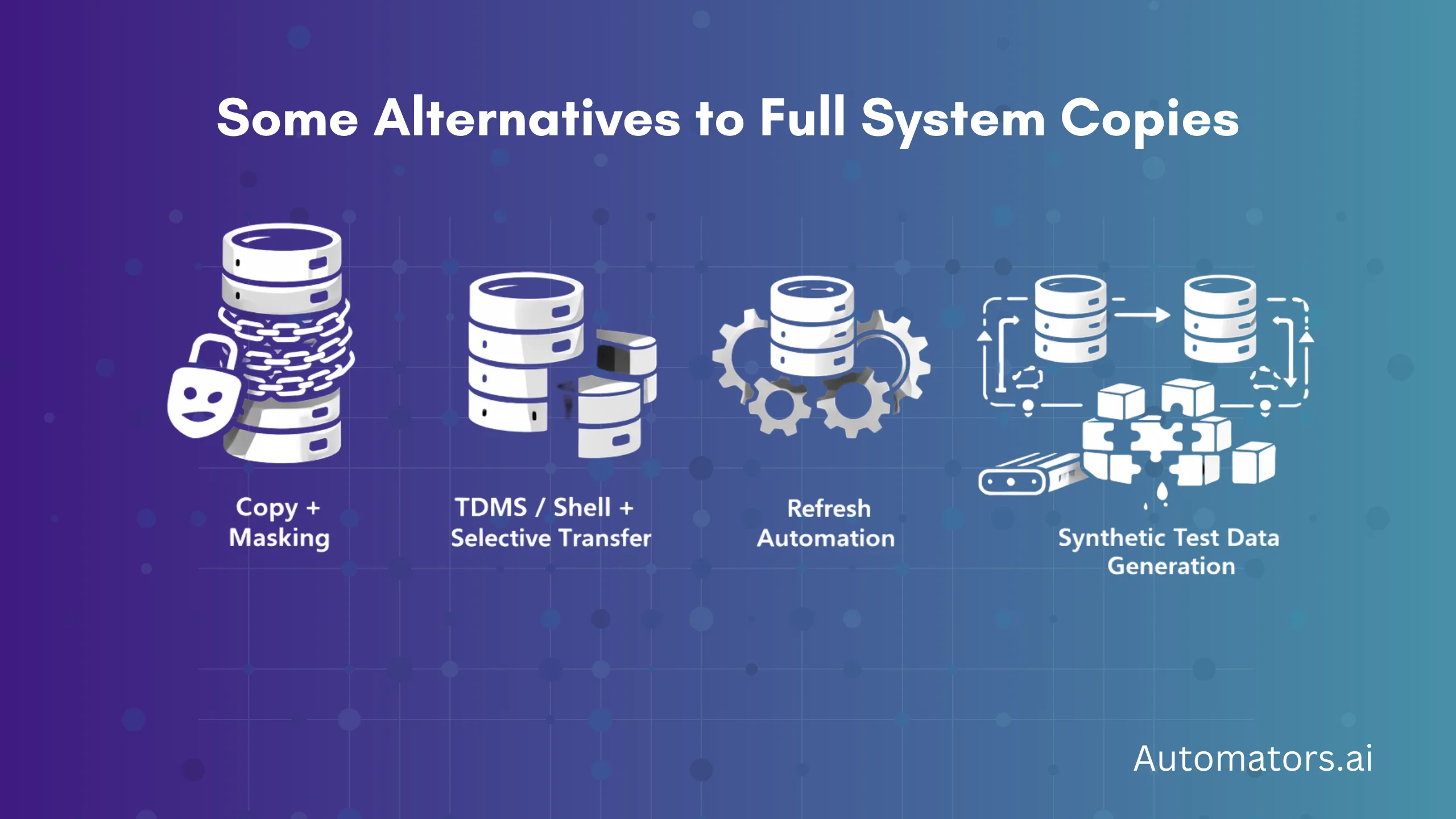
Most SAP programs do not jump from “copy everything” to “no copies at all” overnight. Instead, they evaluate several approaches.
Below is a neutral comparison of the main options teams consider.
| Approach | What It Does | Where It Fits | Limitations |
| Copy + Masking | Copies production data and anonymizes sensitive fields | Transitional step when full copies cannot yet be avoided | Still heavy, disruptive, and dependent on PRD refresh cycles |
| TDMS / Shell + Selective Transfer | Moves limited subsets of production data | Occasional fallback for special scenarios | Complex to set up, not suited for frequent CI/CD testing |
| Refresh Automation (LaMa, scripts) | Speeds up execution of system copies | Operational optimization, not a replacement | Does not change copy-based dependency |
| Synthetic Test Data Generation | Creates business-complete scenarios | Primary method for day-to-day testing and automation | Requires upfront modeling and governance |
As replacing system copies is rarely about finding a single magic tool, let's dive into how modern teams approach the full system copy headache in 2026:
The Emerging Model: Rare Baseline Copies Plus Synthetic Scenarios
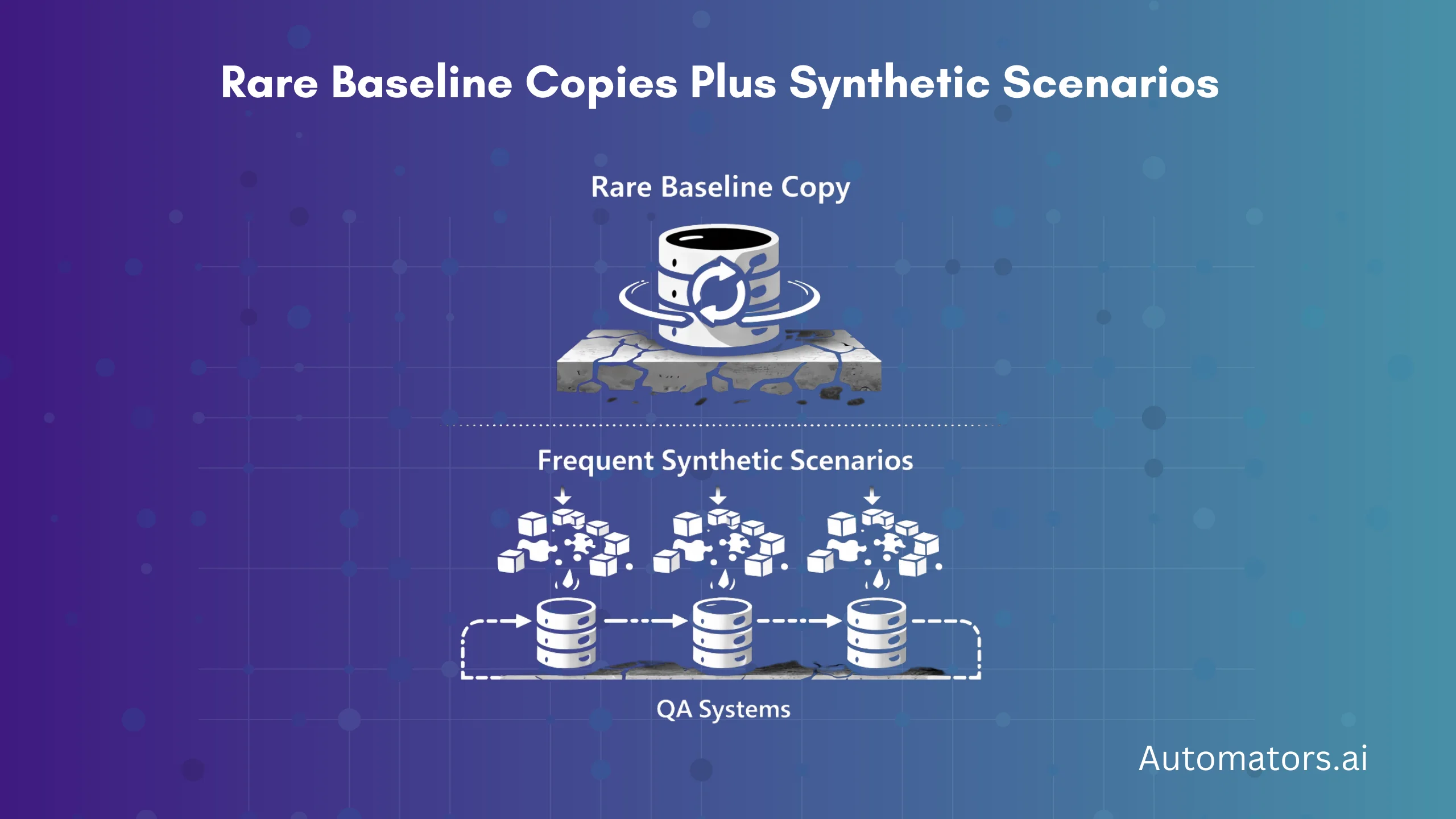
Modern SAP programs are not replacing system copies with a single new tool. They are changing how test data flows into their landscapes.
a. Baseline Copies Become Rare Events
Full system copies are pushed to the edges of the delivery cycle and used only for major releases, structural data model changes, or major landscape resets. They establish a clean baseline, not a daily testing mechanism.
Between those baseline events, QA systems remain stable so teams are not constantly interrupted by freezes, post-copy remediation cycles, and broken integrations.
b. Synthetic Scenarios Power Day-to-Day Testing
Day-to-day testing is driven by synthetic, scenario-based datasets that are provisioned directly into the system whenever tests are needed.
These scenarios represent complete business flows such as Order-to-Cash, Procure-to-Pay, Record-to-Report, and Asset Management, including the master data, follow-on documents, and accounting postings required to execute tests end to end.
Before regression cycles or automated pipeline runs, the required scenario packs are injected. After execution, environments are reset and reseeded so the same datasets are available again. This prevents QA systems from drifting over time and keeps automation stable across releases.
c. Selective Refresh Becomes the Exception, Not the Rule
Selective refresh strategies and TDMS-style subset copies still exist, but only for specific edge cases where a production-like slice is genuinely required. They no longer dictate the cadence of testing or force repeated full system refreshes.
In short, the operating model replaces “copy production and clean up the mess” with “keep QA stable and seed it with test-ready business scenarios on demand.” That shift is what allows SAP teams to run parallel programs, shorten release cycles, and dramatically reduce their dependence on frequent production refreshes.
Why Synthetic Test Data Works for Replacing System Copies
Synthetic test data is not random or simplistic information. We have covered the mechanics of generating synthetic SAP test data in detail elsewhere, but in this context, it means generating master and transactional objects that obey real configuration rules and business dependencies.
In SAP landscapes, it means generating master and transactional objects that obey real configuration rules and business dependencies.
Customers and vendors must trigger the correct account determination, materials and BOMs need to be extended to the right plants and storage locations, pricing and tax conditions must be calculated correctly, and follow-on documents such as deliveries, goods movements, and FI postings must reconcile end-to-end.
This matters because replacing system copies is not about populating tables. It is about recreating realistic business behavior inside a stable, controlled QA environment.
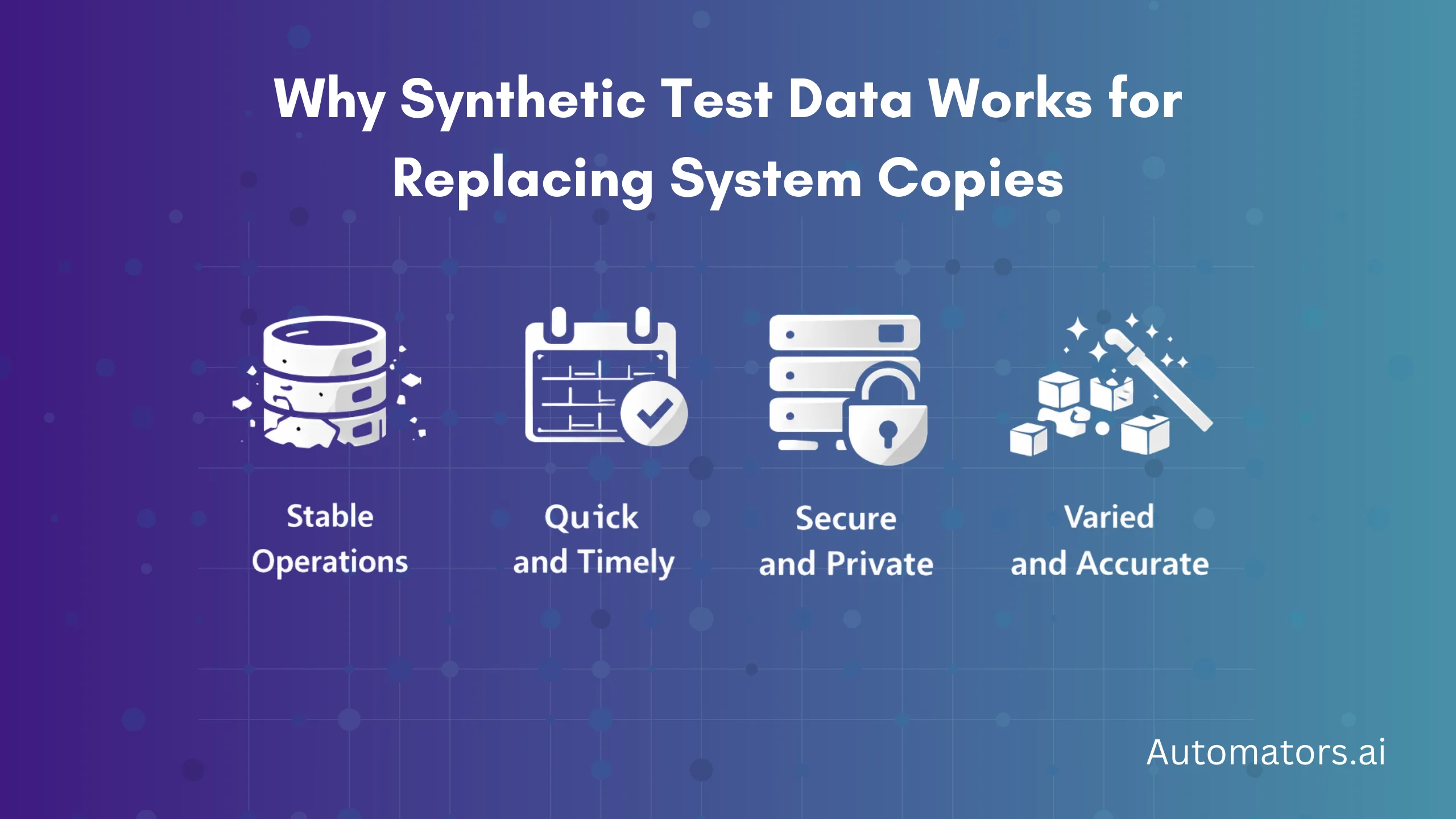
For SAP teams trying to reduce constant refresh cycles, this approach delivers four practical benefits:
- Automation stability. The same datasets can be regenerated across systems and releases, removing the brittleness caused by constantly shifting production snapshots and allowing regression suites to run against known conditions.
- Built-in data privacy. Because the data is purpose-built rather than copied, personal and financial information never enters non-production systems, reducing masking overhead and simplifying audit and compliance reviews.
- Speed of provisioning. Injecting thousands of targeted documents typically takes hours or minutes instead of the multi-day database operations required for full system copies, which keeps testing moving and avoids freeze windows.
- Parallel testing at scale. Multiple QA systems or project landscapes can be seeded with identical scenario packs at the same time, enabling overlapping programs and CI/CD pipelines without coordinating production refresh schedules.
Taken together, these characteristics explain why synthetic test data has become central to modern SAP testing strategies that aim to replace frequent full system copies without sacrificing realism.
Where Automators Fits into This Picture
At Automators, this shift is exactly what tools like DataMaker are designed to support.
Instead of depending on production refreshes, teams use DataMaker to:
- model realistic SAP business scenarios,
- generate connected transactional chains,
- provision data via APIs and interfaces,
- reset environments between test cycles,
- and feed automation frameworks and CI/CD pipelines.
Positioned correctly, this does not replace Basis operations, it complements them by removing the need to trigger full copies for everyday testing.
Final Words: Replacing Full System Copies Is a Strategy, Not a Single Tool
Moving away from full system refreshes is not about abandoning realism. It is about shifting from uncontrolled snapshots of production toward purpose-built, reproducible business data that supports modern testing cycles.
In practice, mature SAP programs reduce how often they run baseline copies, stabilize day-to-day testing through curated scenario packs, improve governance by limiting production data in non-production systems, and finally bring automation under control by starting each cycle from a known data state.
If your QA systems still depend on monthly production refreshes just to keep tests running, that is usually a signal that the underlying test data strategy has not evolved alongside your delivery model. This is exactly the gap synthetic test data and provisioning platforms are meant to address.
Frequently Asked Questions SAP Teams Ask
1. Can I copy only the last few months of production data?
In theory, yes. SAP tools like TDMS or shell systems with selective transfer can move subsets of production data based on time slices or object scopes. In practice, this is rarely simple.
You still need to identify all dependent tables, documents, and configuration relationships, and finance or logistics chains often span much longer periods than expected. Setup and validation effort usually make this unsuitable for frequent refresh cycles.
2. Does refreshing QA overwrite the configuration?
Most full system copies overwrite both business data and technical settings unless special preservation steps are taken. That includes RFC destinations, background jobs, interface routing, and sometimes client-specific customizing.
This is why QA refreshes are tightly governed and usually scheduled around UAT windows, and why DEV systems are almost never refreshed from production. Post-copy stabilization becomes a recurring operational task for Basis and functional teams.
3. Why is DEV usually not refreshed from PRD?
Development systems contain active customizing, transports in flight, and experimental configuration that would be wiped out by a production copy. Refreshing DEV would destroy work that has not yet been promoted to higher landscapes and would disrupt ongoing build activities.
For this reason, SAP landscapes typically restrict production copies to QA, Sandbox, or dedicated training systems, while DEV relies more heavily on controlled test data creation.
4. How do I keep test data consistent across parallel projects?
Parallel test streams only work when data is predictable. Many teams fail because each QA system drifts based on organic testing and ad-hoc refreshes.
Mature programs solve this by maintaining standardized scenario packs for core processes such as Order-to-Cash or Procure-to-Pay and re-provisioning them before major test cycles. This creates alignment across landscapes without forcing synchronized production refreshes.